Bleizen Connect centralizes communication automation and workflow execution so teams can manage high-volume customer interactions through a platform built for orchestration, integrations, and operational consistency.
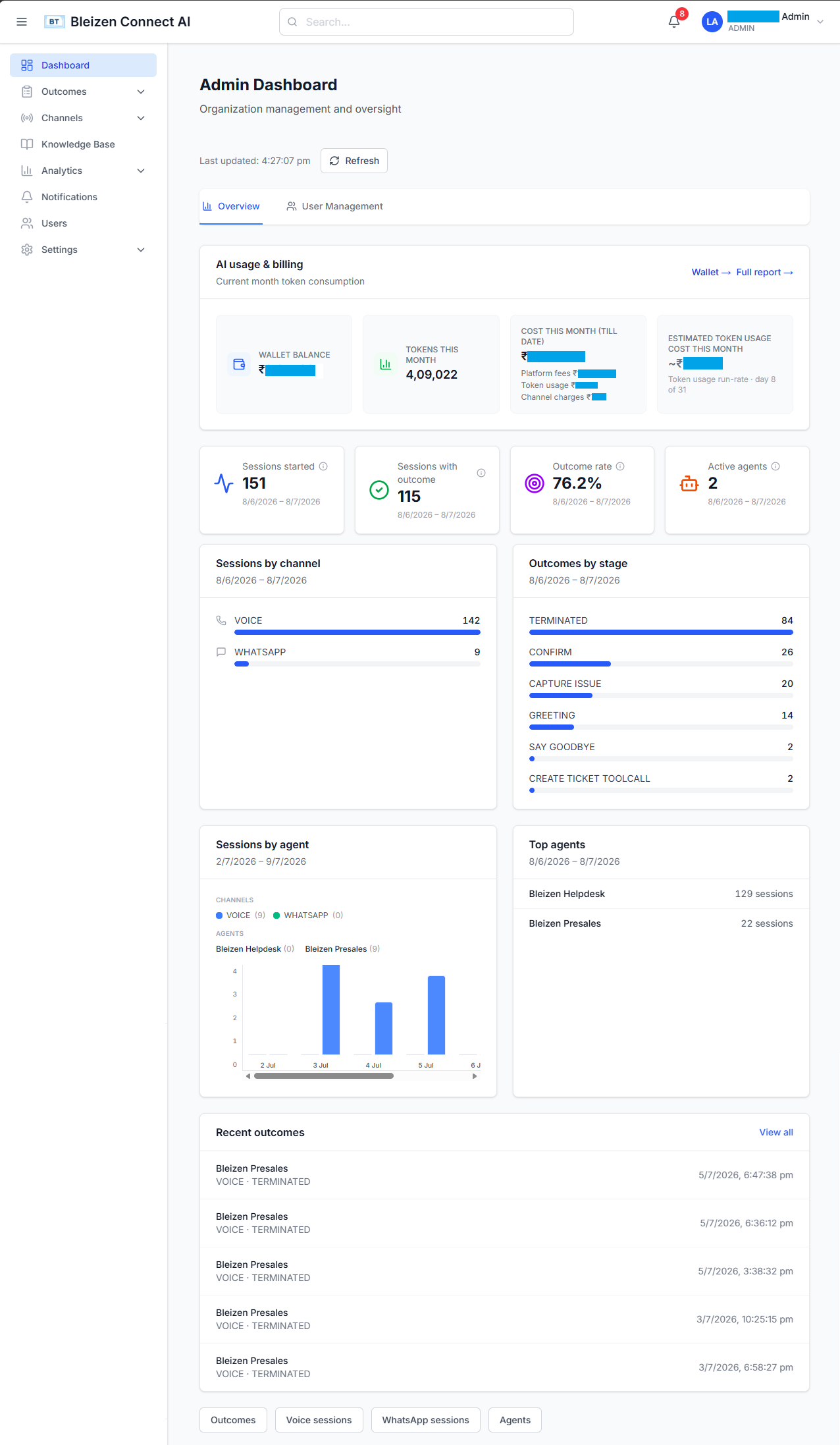
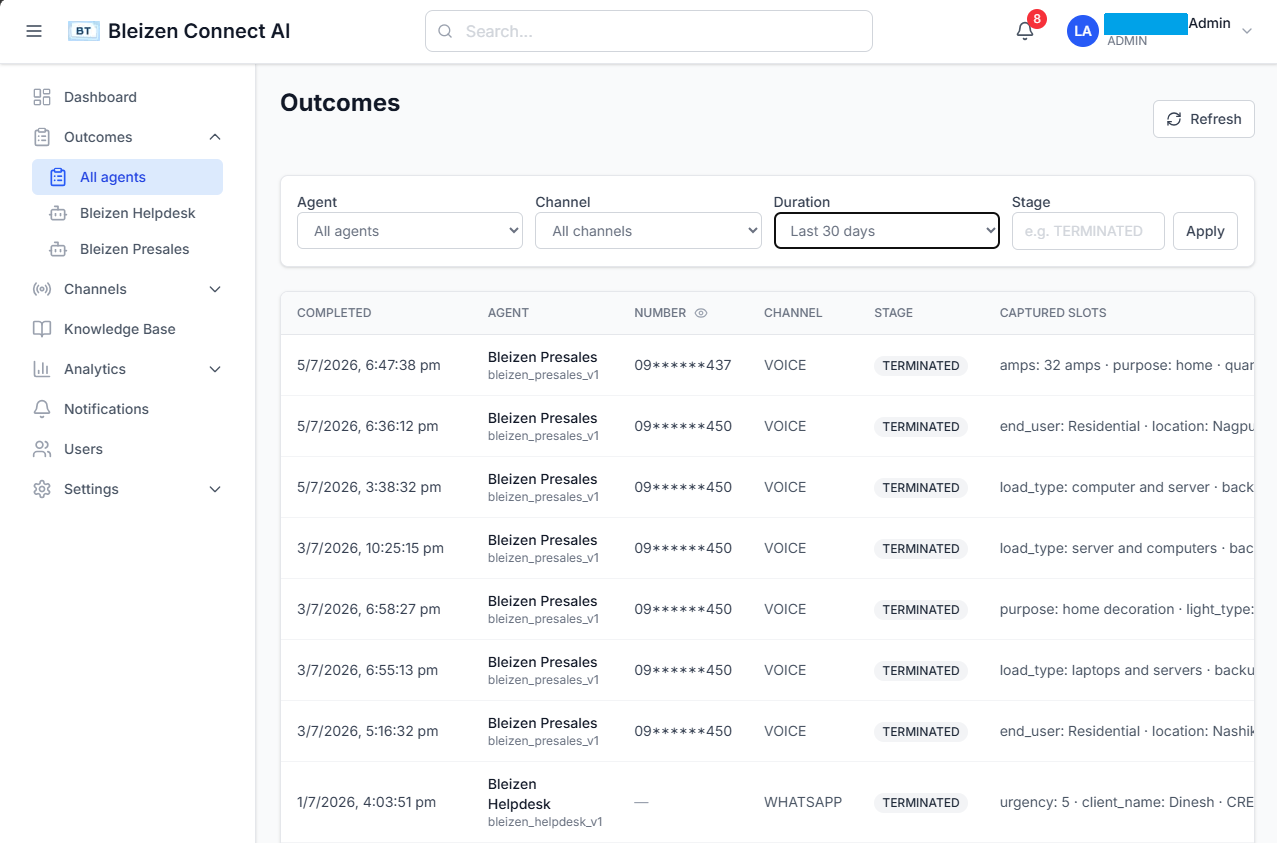
A quick look at the Bleizen Connect interface teams use to monitor operations and review workflow outcomes.
Monitor live activity, channel performance, and operational visibility from one control surface.
Review completed interactions, status results, and downstream handoff outcomes across workflows.
Bleizen Connect is designed for organizations that cannot afford slow communication loops, fragmented routing, or repetitive manual execution. The platform brings channel automation, orchestration, and integration control into one connected environment.
Automate call flows for inquiry handling, routing, qualification, hold logic, transfer paths, and follow-up execution in communication-heavy environments.
Coordinate customer messaging across response flows, reminders, structured campaigns, and service interactions with continuity across each conversation.
Use agent and session state to keep conversations, outcomes, and downstream actions aligned with business rules rather than isolated channel responses.
Run voice and WhatsApp outreach with pacing, consent checks, and calling-window controls built for operational discipline.
Pass outcomes and workflow status into customer and sales systems already used by your teams.
Create or update service workflows when conversations need structured follow-through outside the channel.
Support confirmation loops, appointment requests, and customer coordination through automation-led workflows.
Integrate platform outcomes with enterprise systems, internal tools, and downstream processing pipelines.
Give admins and users the right level of visibility without exposing every workflow setting to everyone.
Track automation activity and usage patterns so teams can manage adoption with confidence.
Review completed interactions, dispositions, and handoff status from a single operational view.
Keep outbound activity aligned with consent, timing rules, and operational capacity.
Explore workflow patterns on the Use Cases page, or move straight to a live walkthrough on the Contact & Demo page.